Shopify Functions or Liquid: where should logic live?
Shopify gives you more than one place to put custom logic, and choosing the wrong one is a common source of fragile stores. Here is a simple way to decide.
What each one is for
Liquid (in your theme) decides what the storefront shows. It runs when a page is rendered, so it is the right home for layout, content, and display rules: which section appears, what a badge says, how a product page is arranged.
Shopify Functions change what happens on Shopify's side. They run on Shopify's infrastructure while things like discounts, delivery options, payment options, and cart or checkout validation are being worked out. They are the right home for rules that must hold no matter which theme the customer uses, because they run on Shopify's side rather than in the theme.
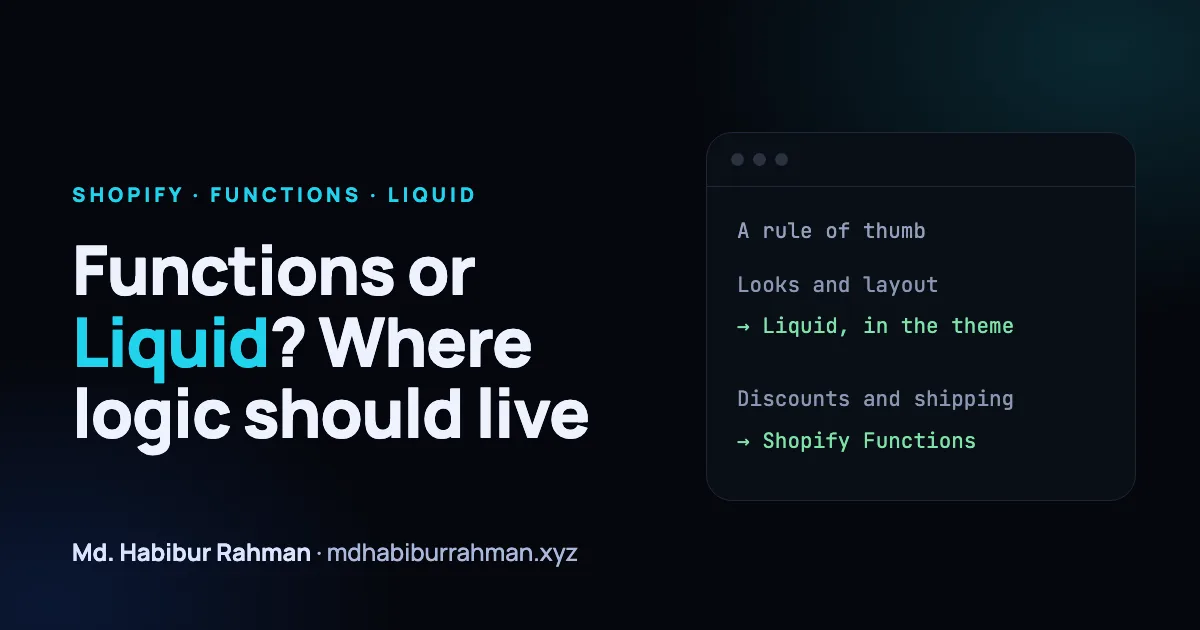
A rule of thumb
| If the change is about... | Start with |
|---|---|
| How something looks or where it appears | Liquid and the theme |
| Copy, banners, badges, page layout | Liquid and the theme |
| Custom discount rules | Shopify Functions |
| Which shipping or payment options are offered | Shopify Functions |
| Blocking or validating an order that should not go through | Shopify Functions |
A quick test: if a theme change could accidentally bypass the rule, it does not belong in the theme. A discount that only exists in Liquid can be shown incorrectly or skipped entirely; a rule enforced by a Function applies wherever the cart is used.
Keep them working together
It is normal to use both. A Function can apply a discount while Liquid shows a message explaining it. Keep the rule in one place and the explanation in the other.
Before you build
The set of available Function APIs and the plans that support them change over time, so check the current Shopify documentation first. At the time of writing, stores on any plan can use public apps from the Shopify App Store that contain Functions, while custom apps that contain Functions need a Shopify Plus plan. If a standard setting or an existing app already does the job, use it. Custom code is something you have to maintain.