Customize a Dawn theme without breaking future updates
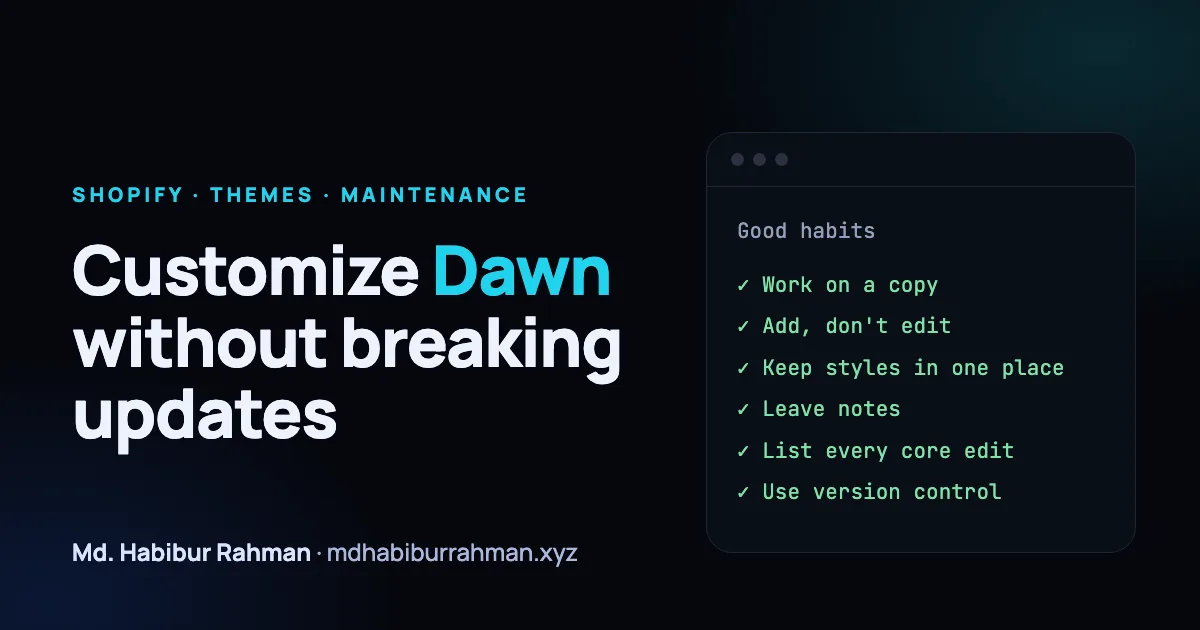
Customizing a theme is easy. Customizing it so that you can still update it six months later takes a few habits.
Work on a copy
Duplicate the live theme and make changes there. Preview it, test it, then publish. This alone prevents most "it broke on the live store" stories.
Add, don't edit
Wherever you can, add new files instead of changing the theme's core ones: a new section, a new snippet, a new block. The fewer core files you touch, the fewer conflicts you will have when the theme is updated.
Keep your styles in one place
Put custom CSS in a single, clearly named file or block rather than scattering small overrides across many files. When something looks wrong, you know where to look. Prefer classes you add over overriding the theme's existing selectors.
Leave notes
Comment your changes: what you changed, why, and the date. A short note beside a customization is worth more than a good memory.
Keep a list of edited core files
If you do have to edit a core file, write it down. When the theme is updated, that list is exactly what you need to re-check.
Use version control
The Shopify CLI lets you work on a theme locally, and keeping it in Git gives you history you can compare. When a new theme version arrives, you can see precisely what changed and merge it deliberately.
Test the boring things
After every change, check mobile, check the cart, and check a page you did not touch. Watch page speed too: new images and scripts add up quickly.
In short
Work on a copy, add rather than edit, keep styles together, and write things down. Your future self, or the next developer, will be grateful.