Reproduce the problem first: troubleshooting a Shopify store
When something breaks on a store, the fastest-feeling move is to start changing things. It is also the slowest. Every change you make before you understand the problem adds a new variable, and after an hour you no longer know which change did what.
The habit that saves the most time is simple: reproduce the problem first.
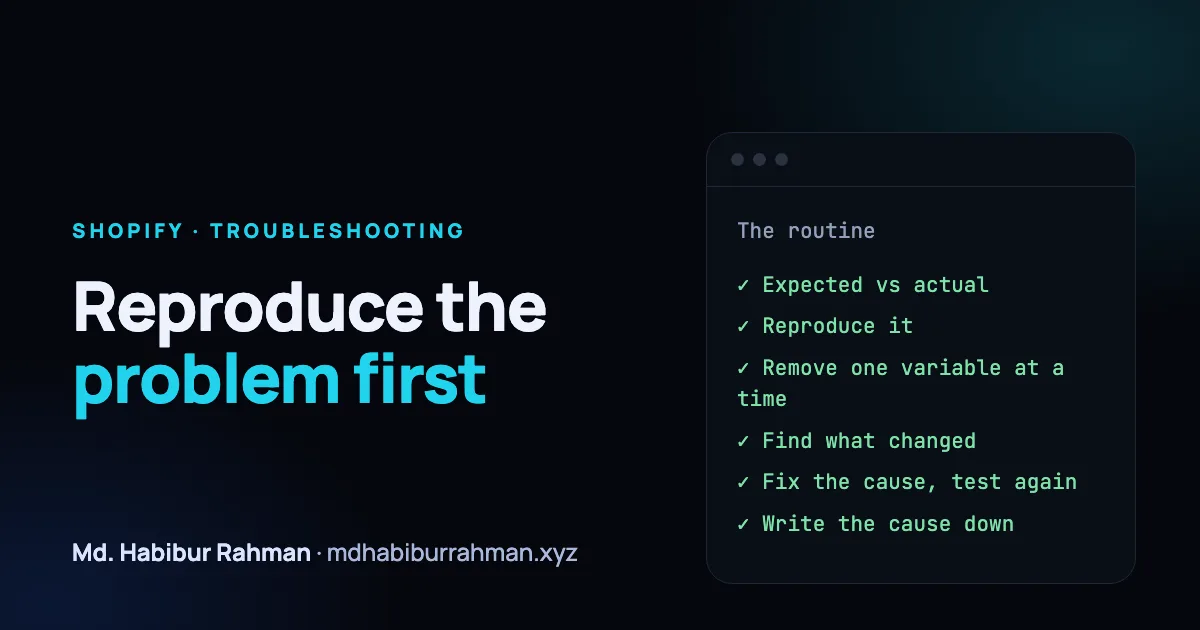
The routine
- Write down expected versus actual. What did the merchant expect to happen, and what happened instead? One sentence each. This also tells you what "fixed" looks like.
- Reproduce it in the smallest setup. Same page, same browser and device, same logged-in or logged-out state. If you cannot make it happen yourself, you are not ready to fix it yet. Ask for a screen recording or the exact steps.
- Remove variables, one at a time. Preview the store in an unpublished copy of the theme. Turn off recently added apps or app embeds one by one. Open the browser console and the network tab and look for errors that appear at the moment things go wrong.
- Find what changed. Theme edits, a new app, an app update, a settings change. Problems rarely appear from nowhere.
- Fix the cause, then repeat step 2. Verify with the exact steps that reproduced the problem. If it no longer happens, you are done.
- Write the cause down. One line is enough.
Why the last step matters
A single fix helps one store. A written cause helps the next person, and after a few weeks a pattern shows up: the same confusing setting, the same app conflict, the same missing message. That pattern is the most useful thing a support team can hand to the people building the product.
A short checklist
- Can I make it happen on demand?
- Do I know what changed recently?
- Did I test the fix the same way I reproduced the problem?
- Did I write down the cause?
Slowing down at the start is what makes the rest fast.